Notification preferences
Choose which alerts you get and how often, type by type, from account settings.
In this article
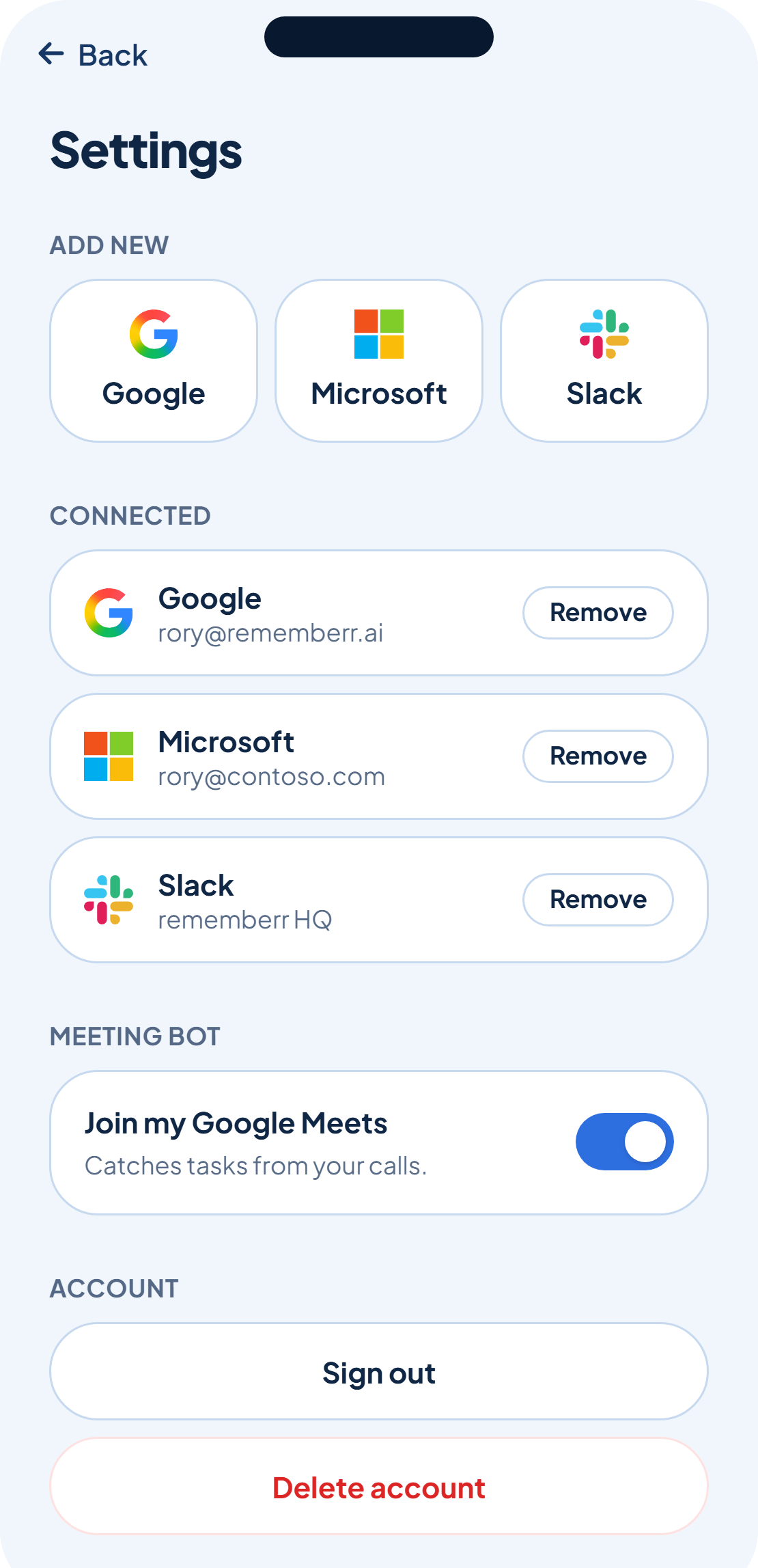
rememberr doesn't send one kind of nudge, it sends several, each for a different reason. Notification preferences break them down by type so you can decide which ones earn a place on your lock screen.
Six types, six switches
New task spotted, due today, overdue, owed to you arrives, your morning brief and a weekly streak update each have their own switch, so keeping one on doesn't mean keeping them all on.
On by default, mostly
Most types start switched on, since they're tied to something genuinely due or slipping. The weekly streak update is the exception, it starts off, and you can turn it on if a weekly nudge appeals to you.
Turning a type off only stops the push. rememberr keeps catching and tracking the tasks behind it either way.
Was this helpful?