How connecting works
Up to three accounts, about two minutes each, and rememberr only ever reads.
In this article
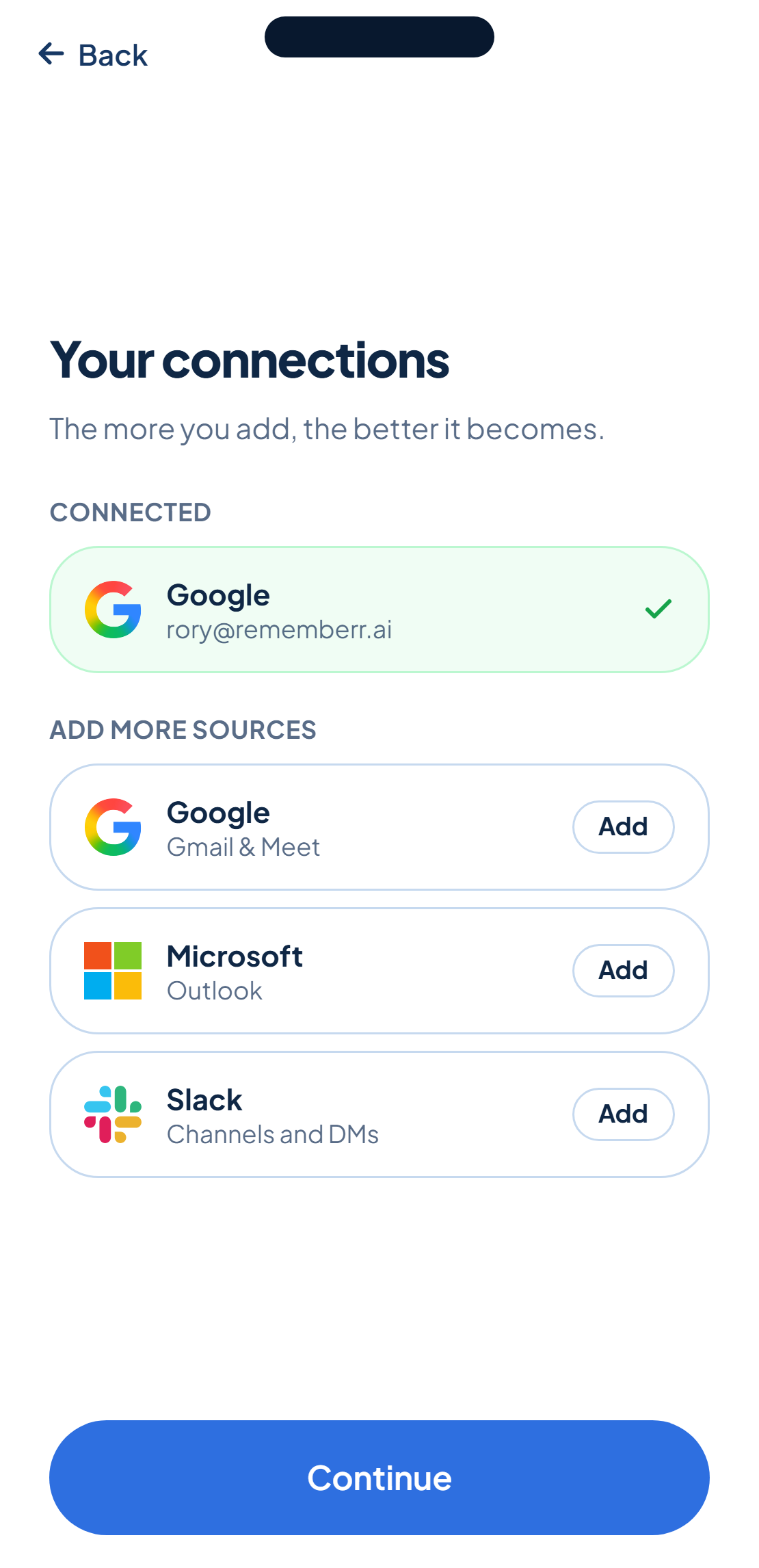
rememberr finds tasks by reading the accounts you connect, Google, Microsoft and Slack. You connect the account once rather than each tool separately, and each one takes about two minutes.
One sign-in, several tools
Google brings Gmail, Google Calendar and Google Meet in one connection. Microsoft brings Outlook. Slack brings the channels and DMs you grant it. There's no browser extension, no plugin and no desktop client, you connect with the account you already sign in with.
Read-only, every time
Every connection reads to find your tasks. None of them send a message, edit anything or delete anything on your behalf, on any account, today.
You don't have to connect everything at once. Add an account whenever you're ready, and every connected source shows up in one list so you always know what's feeding your tasks.
Was this helpful?