Connect your first tool
Add the mailbox, chat or meeting tool you want rememberr to read for tasks.
In this article
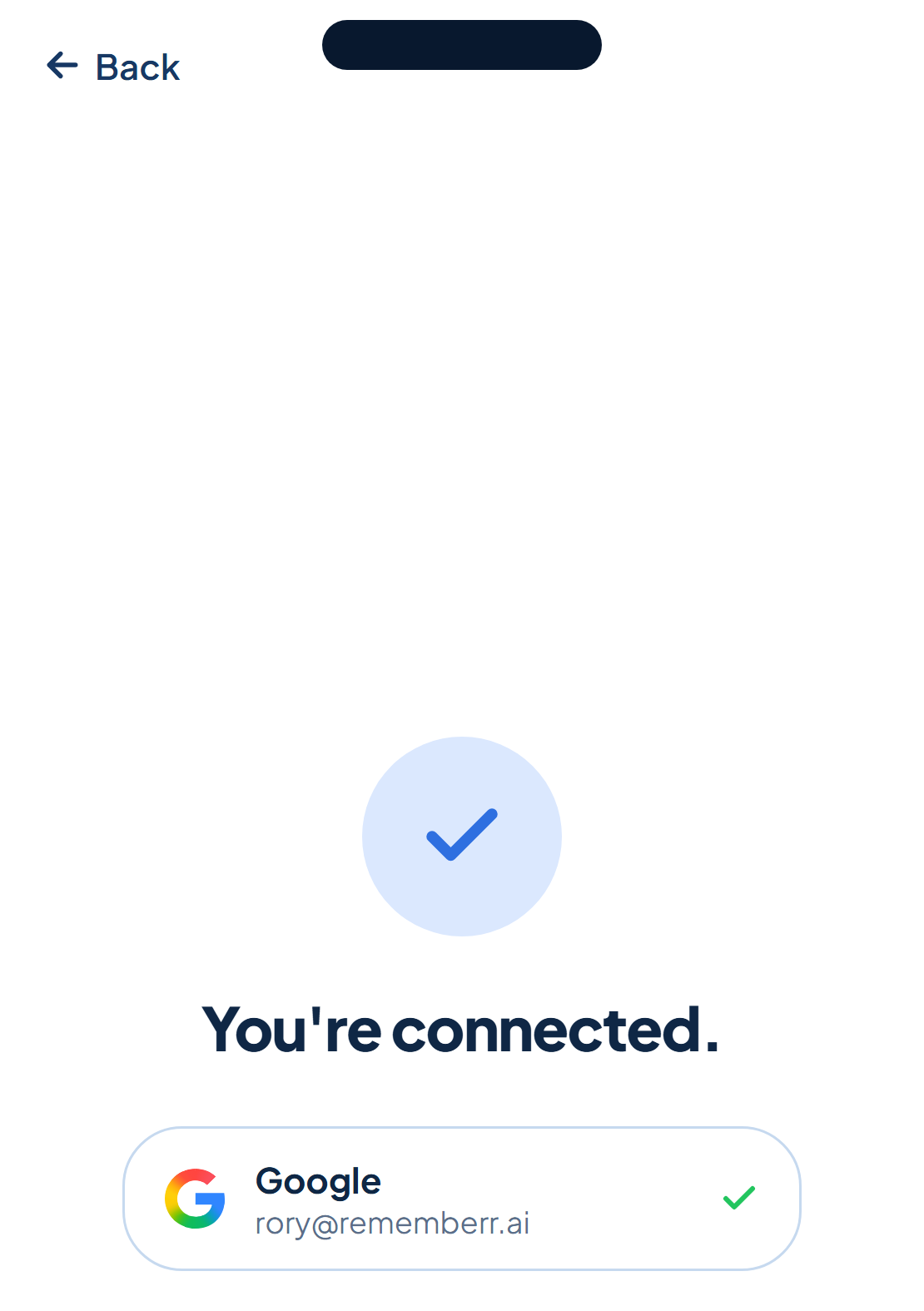
During sign-in, rememberr walks you through adding sources: Gmail or Outlook first (whichever you signed in with), then Slack and Google Meet if you use them. Each one takes about two minutes to connect, no extra plugins.
What each connection gives you
Gmail and Outlook get read for tasks made in writing across your threads. Slack gets read across the channels and DMs you grant access to, for tasks made in conversation. Google Meet sits in on the meetings you choose and catches what's said out loud.
Add more any time
The more you connect, the more rememberr catches. You don't have to add everything on day one, add a tool whenever you're ready from account settings, and connected sources show up in one list so you always know what's feeding your tasks.