Confirm what to track
Every catch lands on one screen first: keep the real ones, drop the rest.
In this article
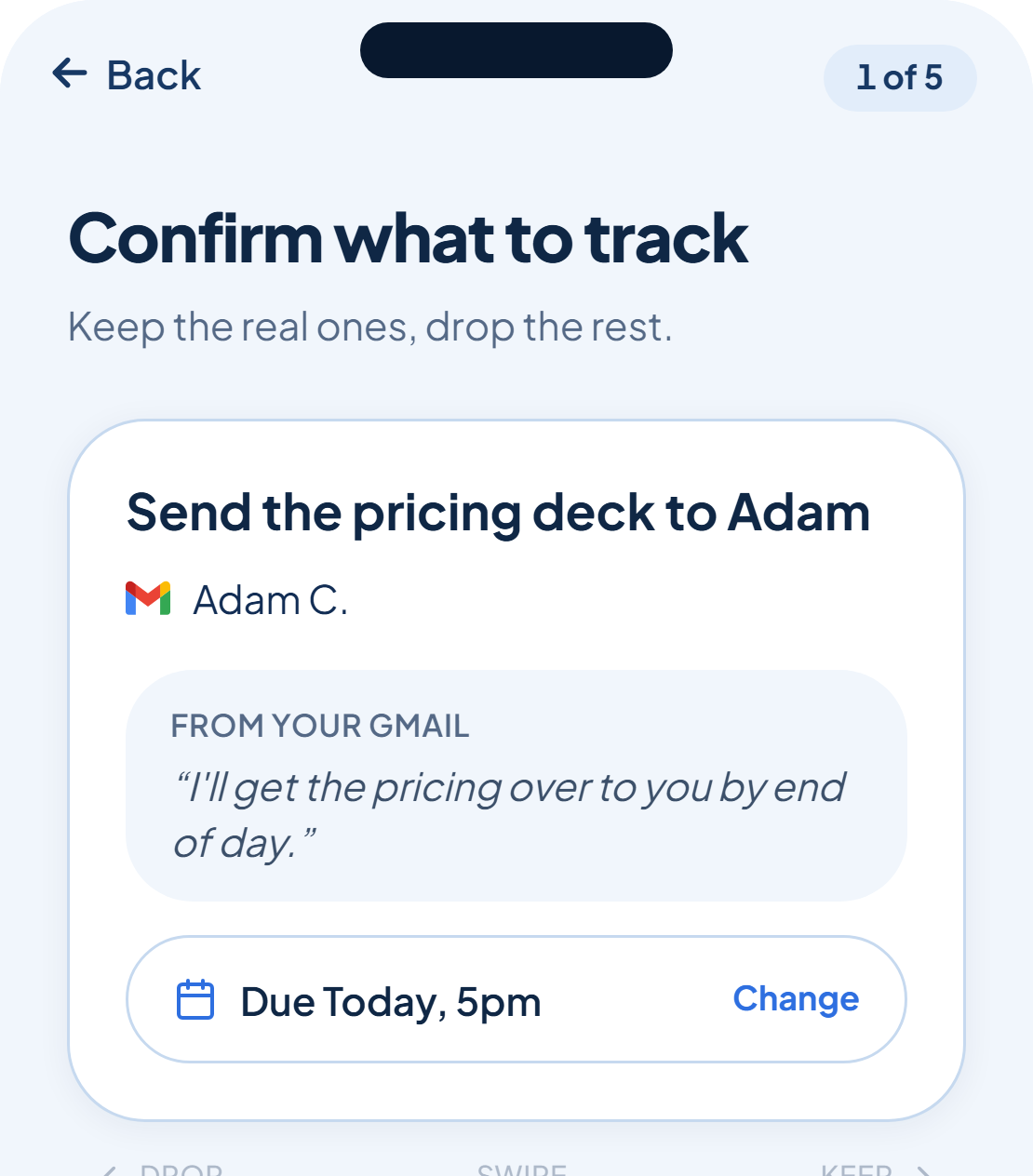
Before anything joins your list, it stops on a review screen titled Confirm what to track. The line underneath it says exactly what the screen is for: keep the real ones, drop the rest.
One card at a time
Each card shows a single caught task: what it is, who it's with, and the exact line it came from. You work through the stack one card at a time, deciding whether it belongs on your list.
More can arrive while you're reviewing
rememberr doesn't wait for a batch to finish before it looks for more. While you're still triaging, new catches can drip in, and a counter at the top of the screen ticks up ("3 found", then "4 found") to show what's arrived so far.
Nothing you're shown here is on your list yet. A task only counts once you keep it.
Was this helpful?