Add a task yourself
Yes, you can add one directly, no waiting for rememberr to catch it.
In this article
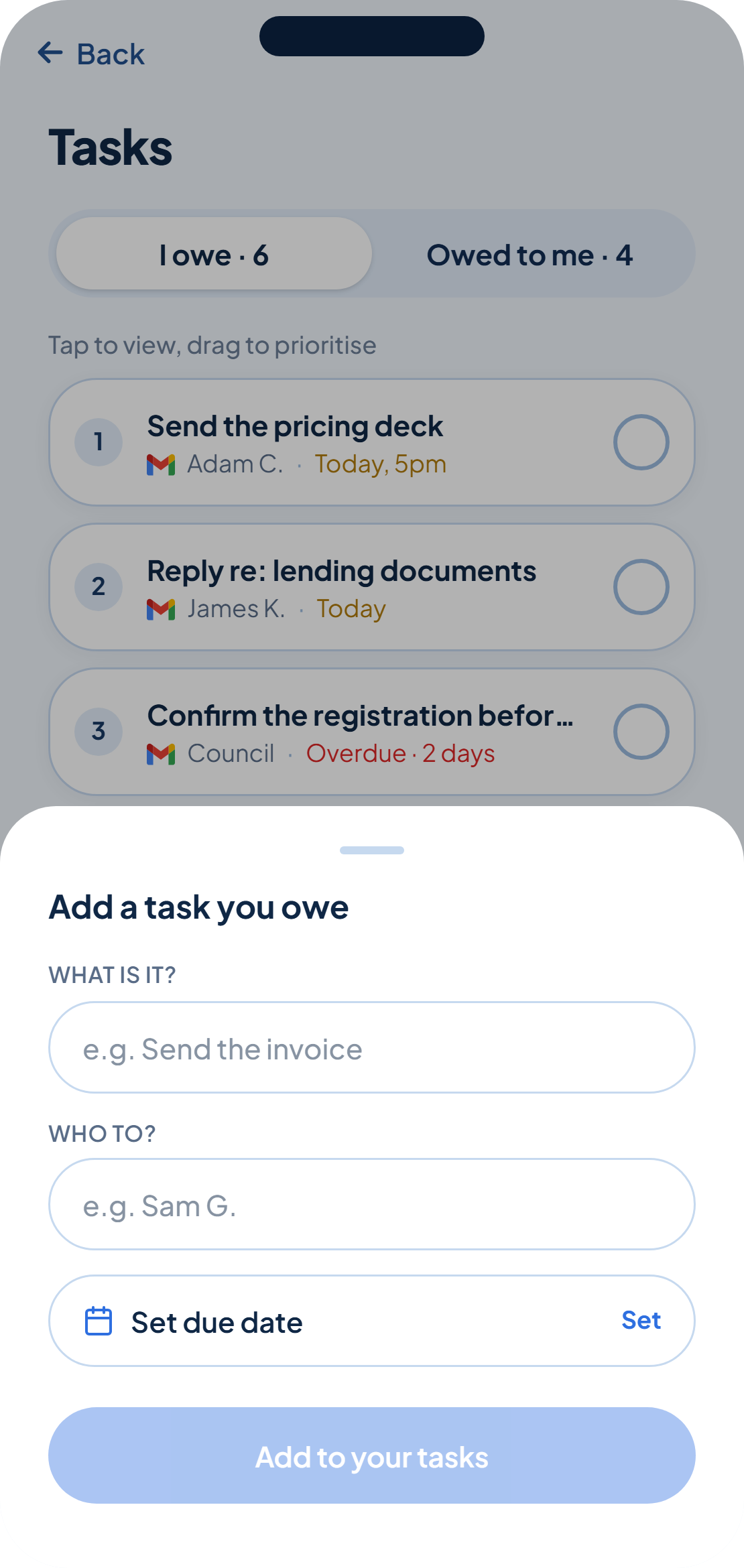
rememberr catches most tasks for you, but sometimes you know about one before it ever shows up in an email, a Slack message or a meeting, a hallway conversation, a phone call, a decision you made on your own. You can add it straight to your list.
Add it from your list
- From your list, tap Add a task.
- Choose the tab: a task you owe, or one owed to you.
- Fill in What is it? and, depending on the tab, Who to? or Who from?
- Set a deadline if you have one, it's optional.
- Tap Add to your tasks.
It sits alongside everything caught
A task you add yourself works exactly like one rememberr caught, it takes a place in your list, can carry a deadline, and gets ticked off by you when it's done.
There's no review step for a task you add yourself, you've already made the call by adding it.
Was this helpful?