Your list of tasks
Every task you've kept lives here, in the order you've put it in.
In this article
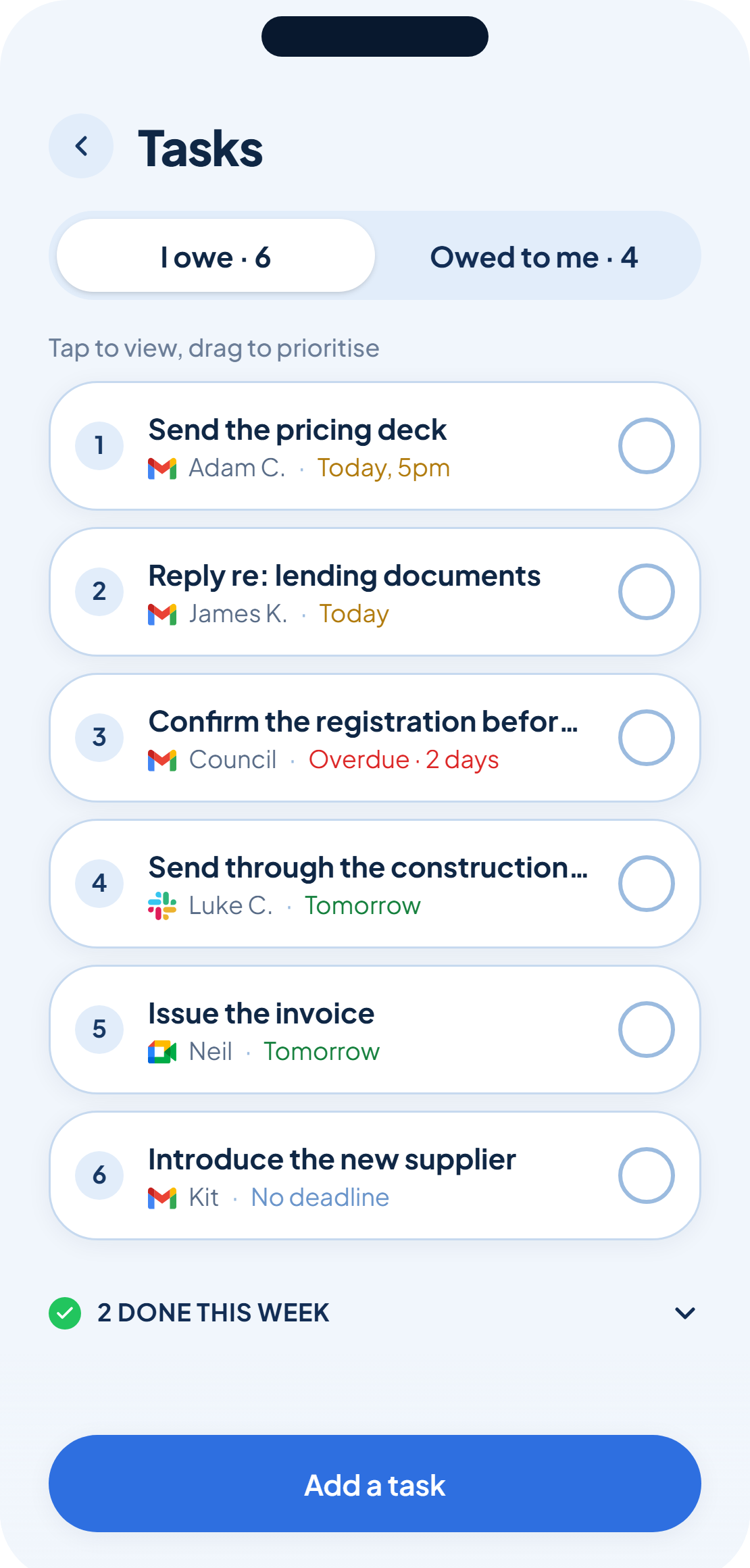
Once you keep a task, it moves onto your list, the home for everything you're tracking. A small note above the rows sums up how to work it: tap to view, drag to prioritise.
Tap a row, drag a row
Tap anywhere on a row to open its detail view. Press and hold, then drag, to move it up or down the list, rank numbers on each row update as you go.
Add one yourself, any time
Caught tasks aren't the only way onto your list. Tap Add a task at the bottom of the screen to put one there directly, no waiting on an email, message or meeting to bring it up.
Your list only ever holds what you've kept. Anything still waiting on a keep or drop sits in review, not here.
Was this helpful?