The daily briefing
Your home screen each morning: what's new, what's due, and what you're waiting on.
In this article
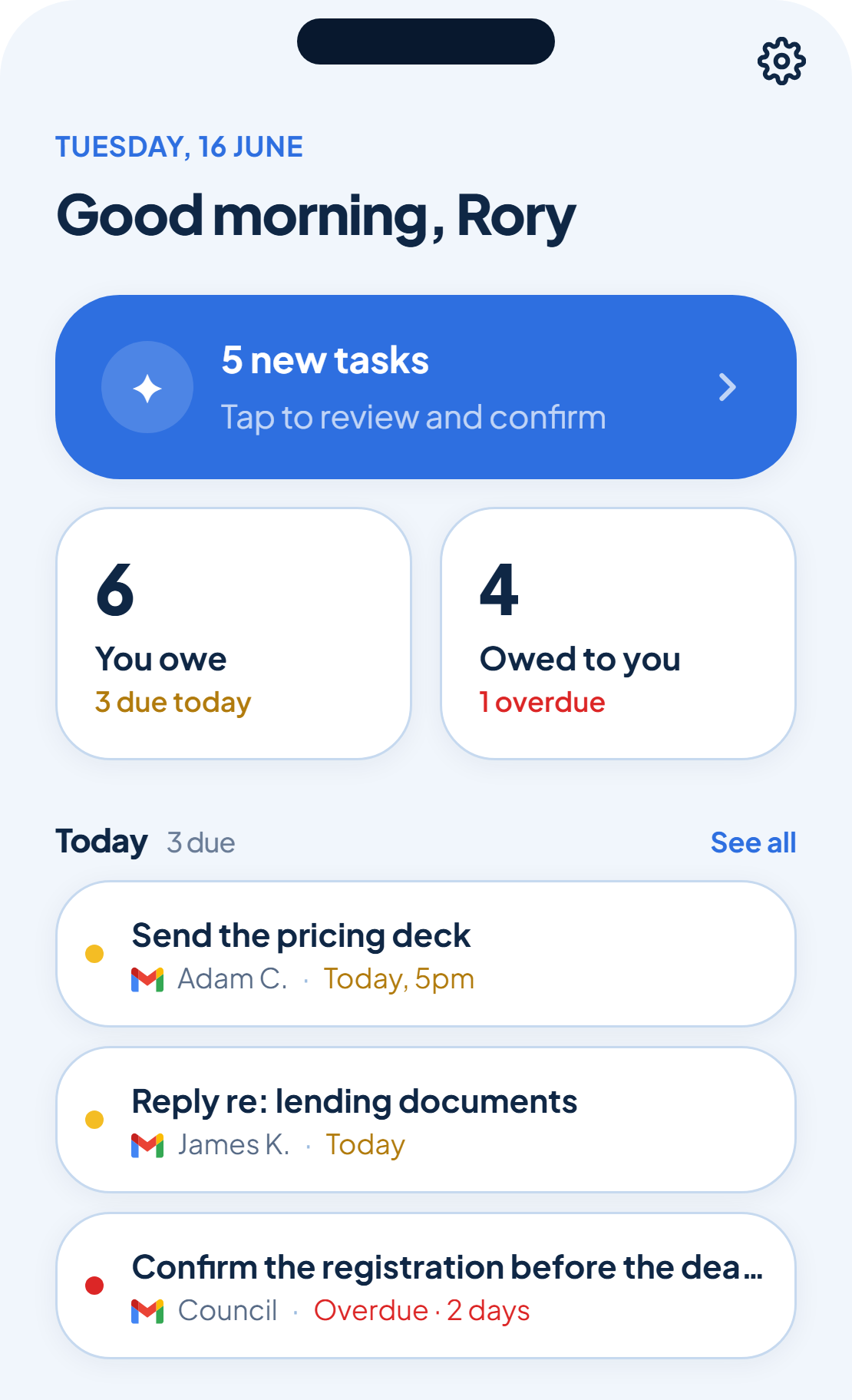
Open rememberr and the home screen greets you with a quick read on where things stand. It's built around three numbers: what's new to review, what's due today, and what's overdue that you're owed.
New to review
A banner at the top counts anything rememberr has caught since you last looked. Tap it to jump straight into review and confirm it, the same keep-or-drop flow from your first day.
You owe, owed to you
Below that, two tiles split your list in half: how many tasks you owe, with how many due today, and how many are owed to you, with a call-out if any are overdue. Tap either tile to open the full list.
Today
A short list of what's due today or already overdue, so you can see the day's real pressure without opening your full list.