Your first review
The first time rememberr finds tasks, it walks you through confirming them, one card at a time.
In this article
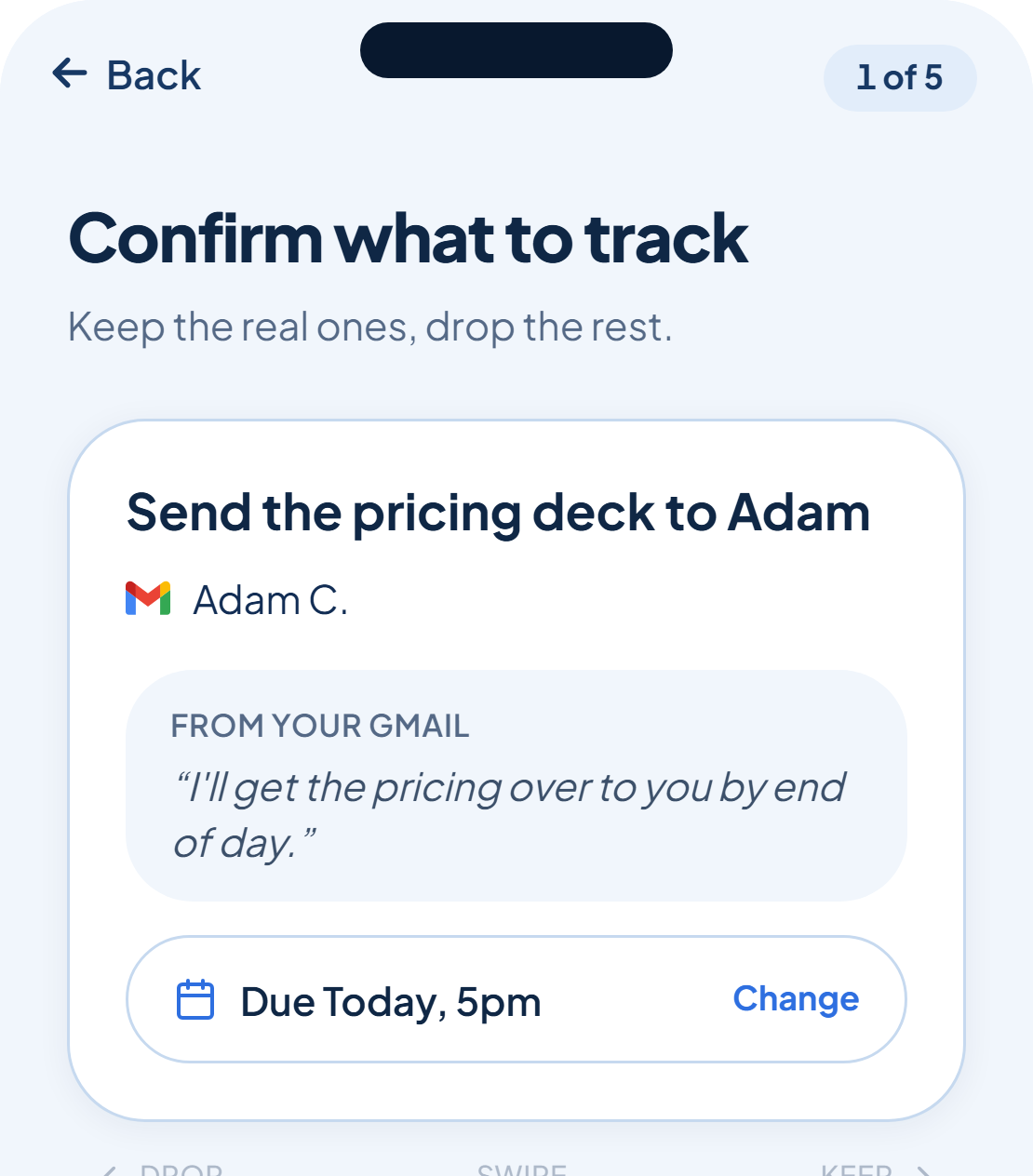
Once your first tool is connected, rememberr starts finding tasks straight away. The first run shows a short explainer: keep the real ones, drop the rest, and soon it does this for you.
One card, two directions
Each card shows the task, who it's with, and the exact excerpt it was caught from, labelled by the tool it came from ("From your Gmail", for example). Swipe right, or tap Keep, to add it to your list. Swipe left, or tap Drop, to dismiss it.
Set a deadline while you're there
If a task has a date attached, you can confirm or adjust it right on the card before you keep it. Some cards carry a warning flag too, a quick note on why rememberr is less sure about this one.
More tasks can keep arriving while you're still triaging the first batch. rememberr shows a count of what's been found so far and keeps adding cards to the stack as they come in.