Setting a deadline
Attach a due date to a caught task right on its review card, before or after you keep it.
In this article
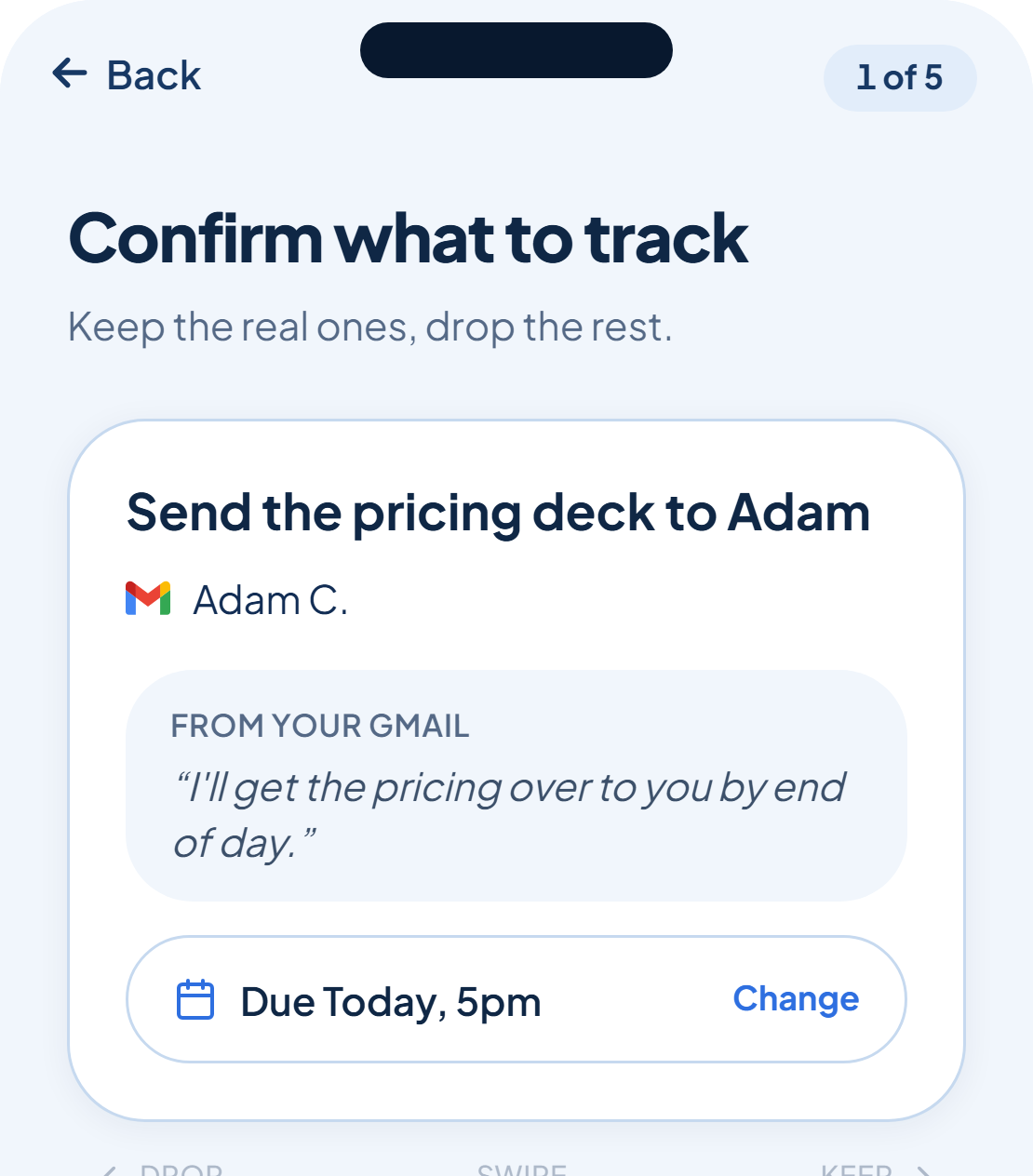
A caught task can carry a due date from the moment it shows up on your review card. Tap the deadline picker on the card to set or adjust it, whether or not rememberr already guessed one from the line it caught.
Set it before you keep it
You don't have to keep a task first and fix the date later. Open the deadline picker while the card is still in front of you, choose the date, and it carries that deadline the moment you swipe or tap Keep.
Change it later too
A deadline isn't locked in once a task is on your list. You can open the task's detail view later and set or adjust it there, the picker works the same way.
A deadline isn't required to keep a task. Leave it unset and add one later if you're not sure yet.
Was this helpful?